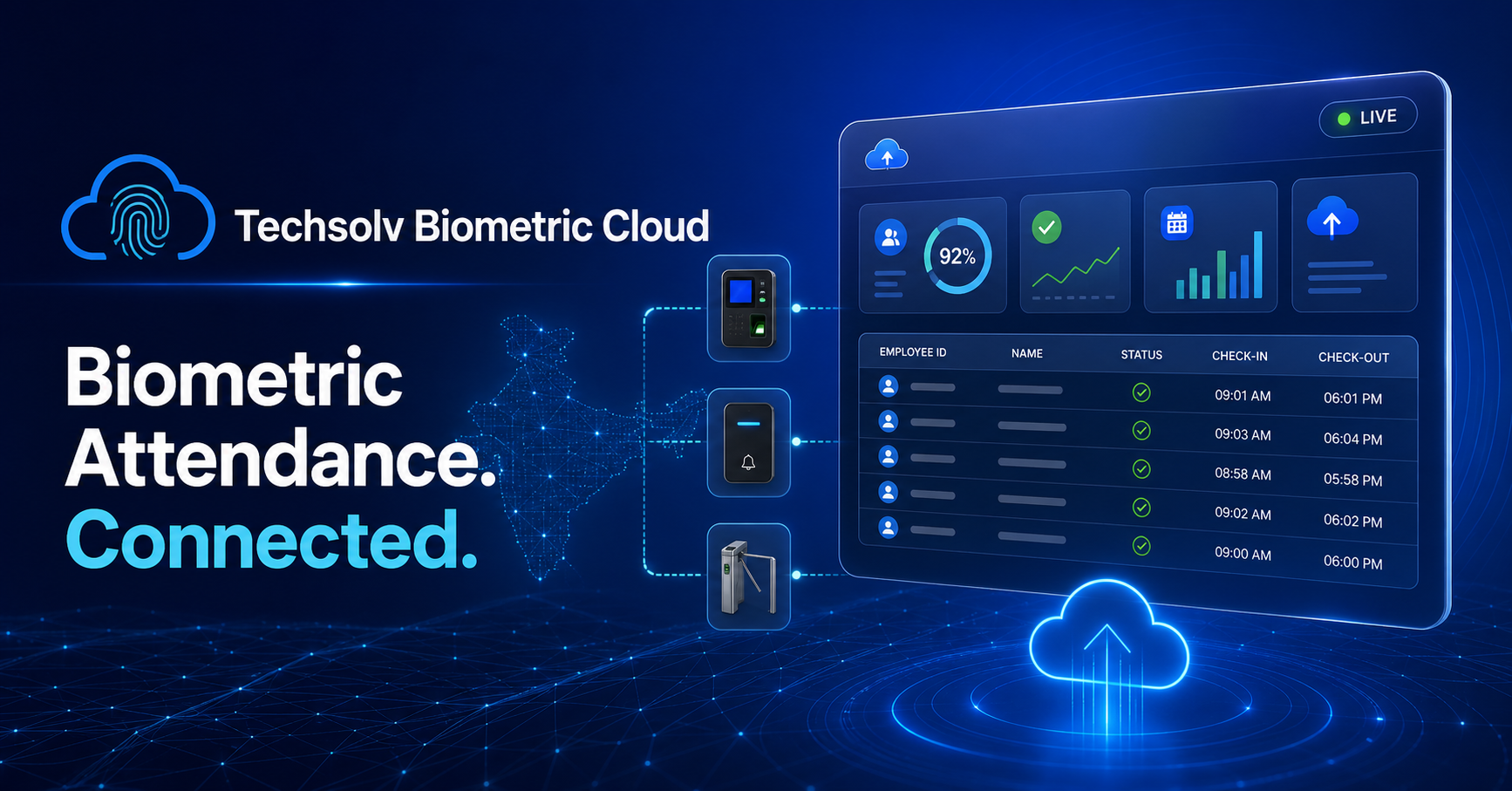
Techsolv Biometric Cloud connects fingerprint, face and access-control attendance devices with a live cloud dashboard across India

Cloud biometric attendance software for organizations across India

Connect compatible attendance devices, identify employees, manage multiple locations and access reliable cloud reports.

Start free setupSee how it worksMobile verified · GST-ready billing · Secure API
Attendance software for India

Every biometric punch. One connected cloud.

Connect compatible devices, identify employees, monitor every location and access reliable attendance reports.

Start free setupSee how it works
Designed for attendance-driven organizations across India
ManufacturingCorporate OfficesRetailHealthcareEducationHospitalityLogisticsMulti-location Teams
Business outcomes

Move beyond manual attendance work.

Turn device punches into organized, searchable and integration-ready attendance records without maintaining separate software at every location.

01

Central visibility

Monitor registered devices and attendance from one tenant-scoped portal.
02

Faster identification

Map biometric employee codes to names, departments, designations and shifts.

03

Reliable reporting

Review punch history, daily status and downloadable records for operational use.

04

Controlled billing

Configure devices first and activate billing only when each device is ready.

05

Secure access

Use owner, admin, operator and viewer roles with organization-level data isolation.

06

Connected systems

Use authenticated APIs and webhooks to connect attendance with existing business software.

Industry-ready

One platform for every attendance environment.

Whether people enter a plant, office, store, campus or warehouse, the core need is the same: dependable attendance, clear ownership and usable reports.

Factory & Manufacturing

Track shifts, departments, plant gates and multi-unit teams.

Corporate Offices

Manage office attendance, departments and role-based reporting.

Retail & Shops

Connect store devices and consolidate attendance across branches.

Hospitals & Clinics

Maintain round-the-clock workforce attendance across shifts.

Schools & Colleges

Map staff codes and publish authorized attendance reports.

Hotels & Restaurants

Support rotating shifts and attendance across operational teams.

Warehouse & Logistics

Monitor gate attendance for distributed facilities and field operations.

Security & Service Teams

Manage employees deployed across multiple client locations.

Guided onboarding

From device setup to live reporting.

Non-technical users receive clear device configuration instructions and connection status before activation.

Create your organization

Verify mobile and email, then access the secure tenant portal.

Add and configure a device

Register the exact serial number and follow the ADMS server guide.

Confirm connection

The portal detects a recent device heartbeat before activation is allowed.

Activate, map and report

Complete payment, map employee codes and start using attendance reports.

Monthly attendance
Organization-wide summary
● Connected
26 Jul 2026Production42 Present
25 Jul 2026Sales & Support31 Present
24 Jul 2026Warehouse18 Present
23 Jul 2026Administration12 Present
Platform capabilities

Attendance data your business can use.

The portal combines operations, workforce configuration, commercial billing and developer integration without exposing one tenant's data to another.

Device monitoring

Connected, online, offline and billing status.

Employee directory

Names, codes, departments, shifts and designations.

Reports & export

Detailed punches, summaries and CSV downloads.

Billing automation

Prepaid/postpaid cycles, GST invoices and reminders.

GET /api/v1/attendance?limit=100

X-API-Key: YOUR_API_KEY
X-API-Secret: YOUR_API_SECRET
X-Timestamp: 1785056400

{
  "data": [
    {"employee_code":"102",
    "attendance_time":"2026-07-26 09:04:12",
    "device_name":"Main Gate"}
  ]
}

Ready examples for cURL, PHP, Node.js, Ruby, Java, Android and Flutter are available after login.

Flexible subscription

Start with the plan that fits today.

Pricing and billing cycles are managed dynamically. Additional devices become billable only after connection and authorized activation.

Starter

₹3,600.00

Yearly · GST extra

  • 1 included device(s)
  • ₹200.00 per additional active device
  • 100 employees
  • Secure tenant portal
Choose Starter

Enterprise

₹12,000.00

Yearly · GST extra

  • 10 included device(s)
  • ₹180.00 per additional active device
  • Unlimited employees
  • Secure tenant portal
Choose Enterprise
Compare all billing options →
Frequently asked questions

Answers before you get started.

Techsolv Biometric Cloud is an online attendance platform that connects compatible biometric devices with employee records, attendance reports, workforce rules, billing and secure APIs.

Factories, corporate offices, retail shops, hospitals, clinics, schools, colleges, hotels, restaurants, warehouses, logistics teams, security agencies, NGOs and multi-location organizations can use the platform.

The platform supports eSSL, ZKTeco and other compatible devices using ADMS or iClock push communication. Device firmware and protocol compatibility should be confirmed during onboarding.

Yes. You can register and monitor multiple devices and locations under one organization while mapping punches to employees, departments and shifts.

Yes. Authorized users can review punch records, daily attendance status, date-wise reports and downloadable CSV exports.

Yes. Plans with API access can use authenticated attendance and device endpoints. Webhook settings are also available for supported outbound workflows.

Adding and configuring a device does not immediately start billing. Billing begins only after the device connects successfully and an authorized user activates it.

The cloud service can be used by organizations across India. Device installation or on-site support availability may depend on location and commercial agreement.

Make your biometric devices cloud-ready.

Create your organization, verify your contact details and configure your first device with guided steps.